

Starter
For regular product updates.
$12/month
SubscribeProduct visuals for marketplace sellers
Upload your photos, add product details, and choose a creative direction. Create a product visual you can review and download.
1 free image · Account required · No payment card required
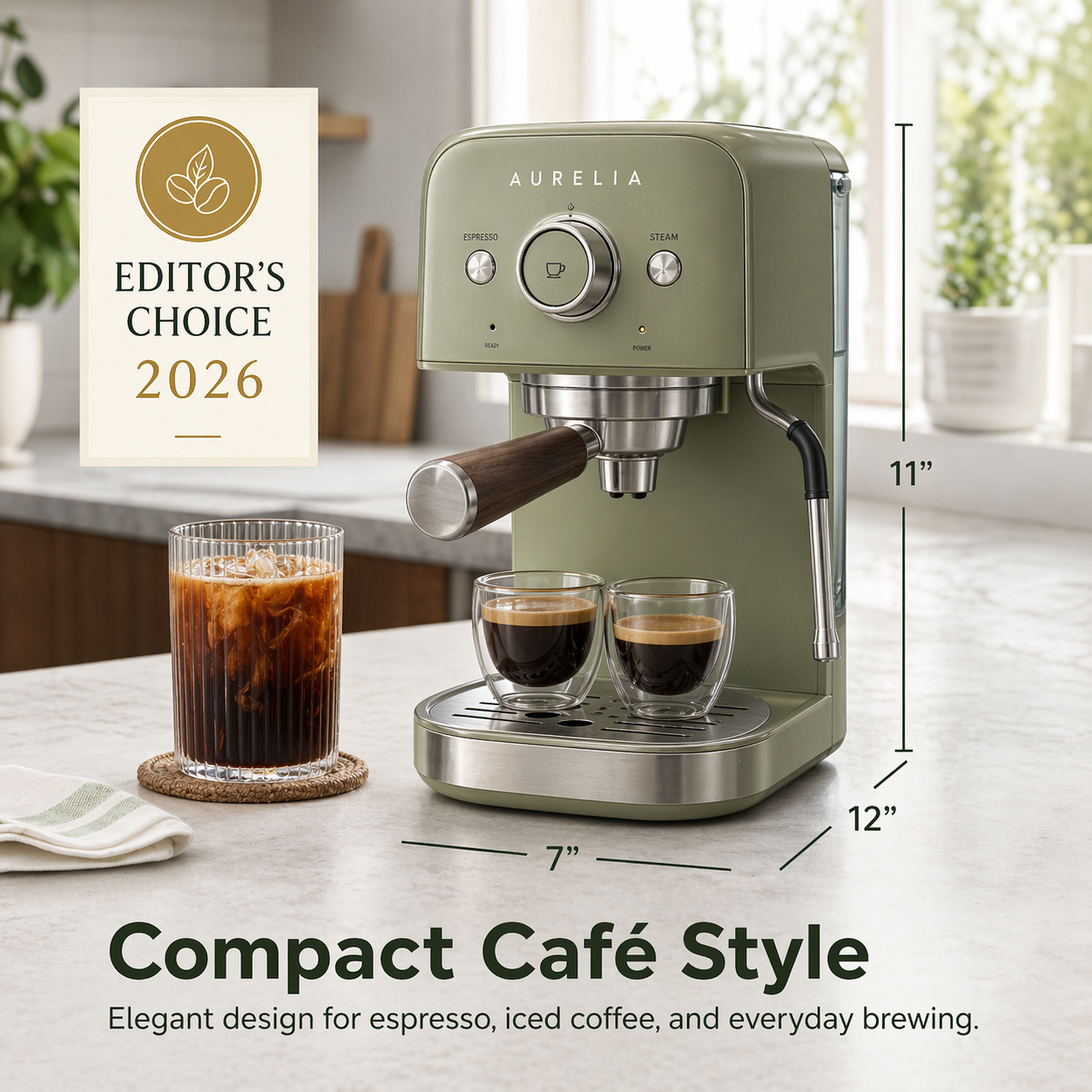
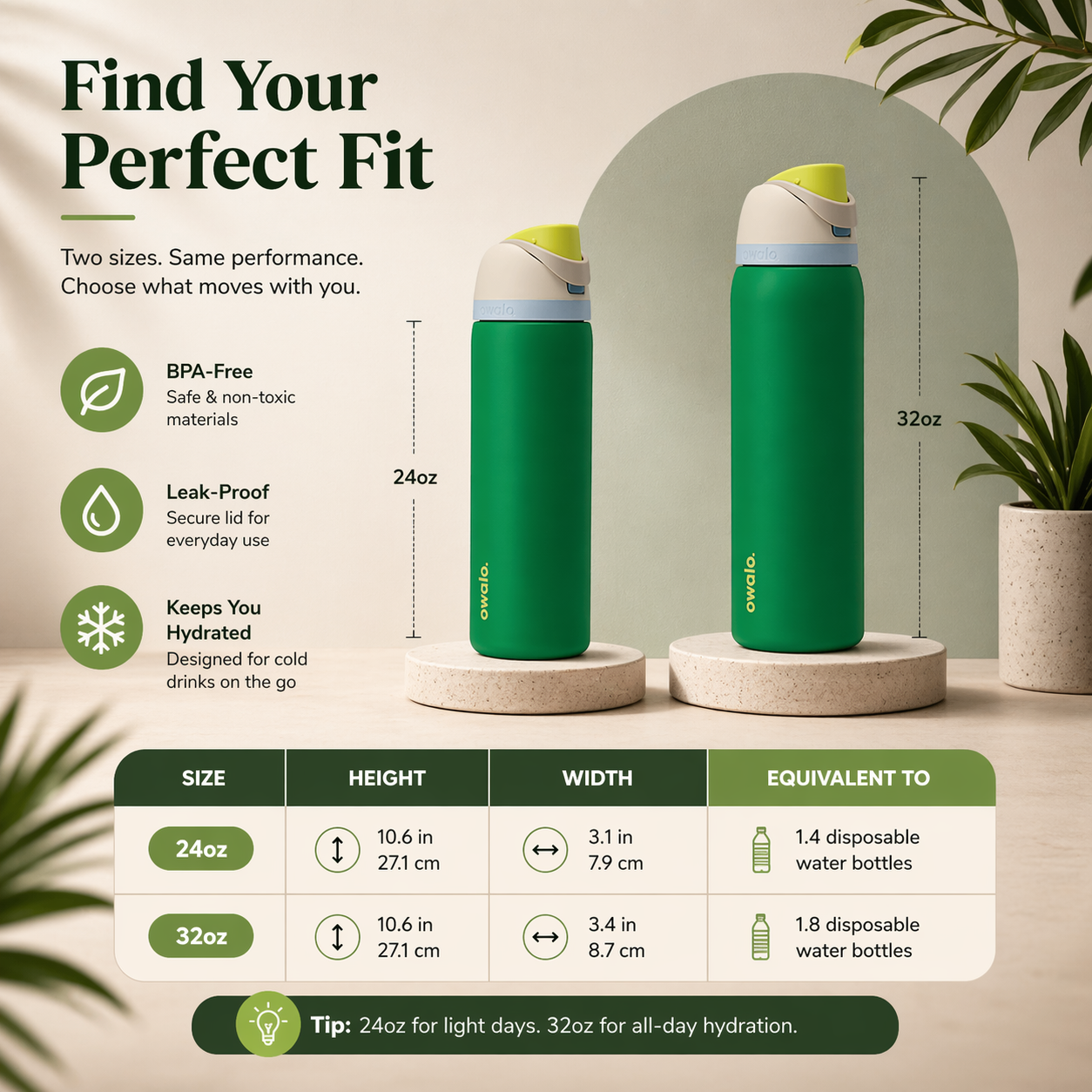
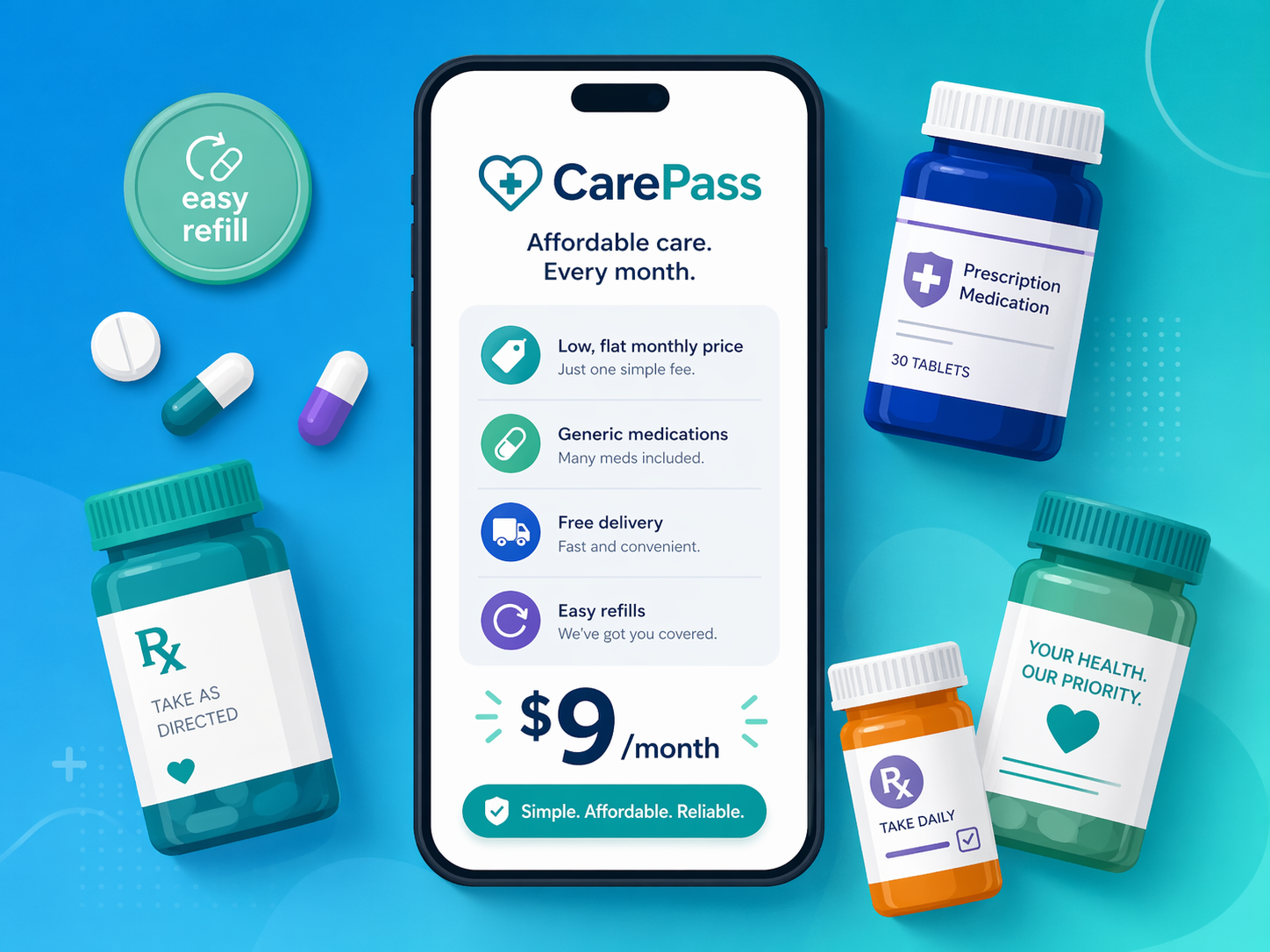
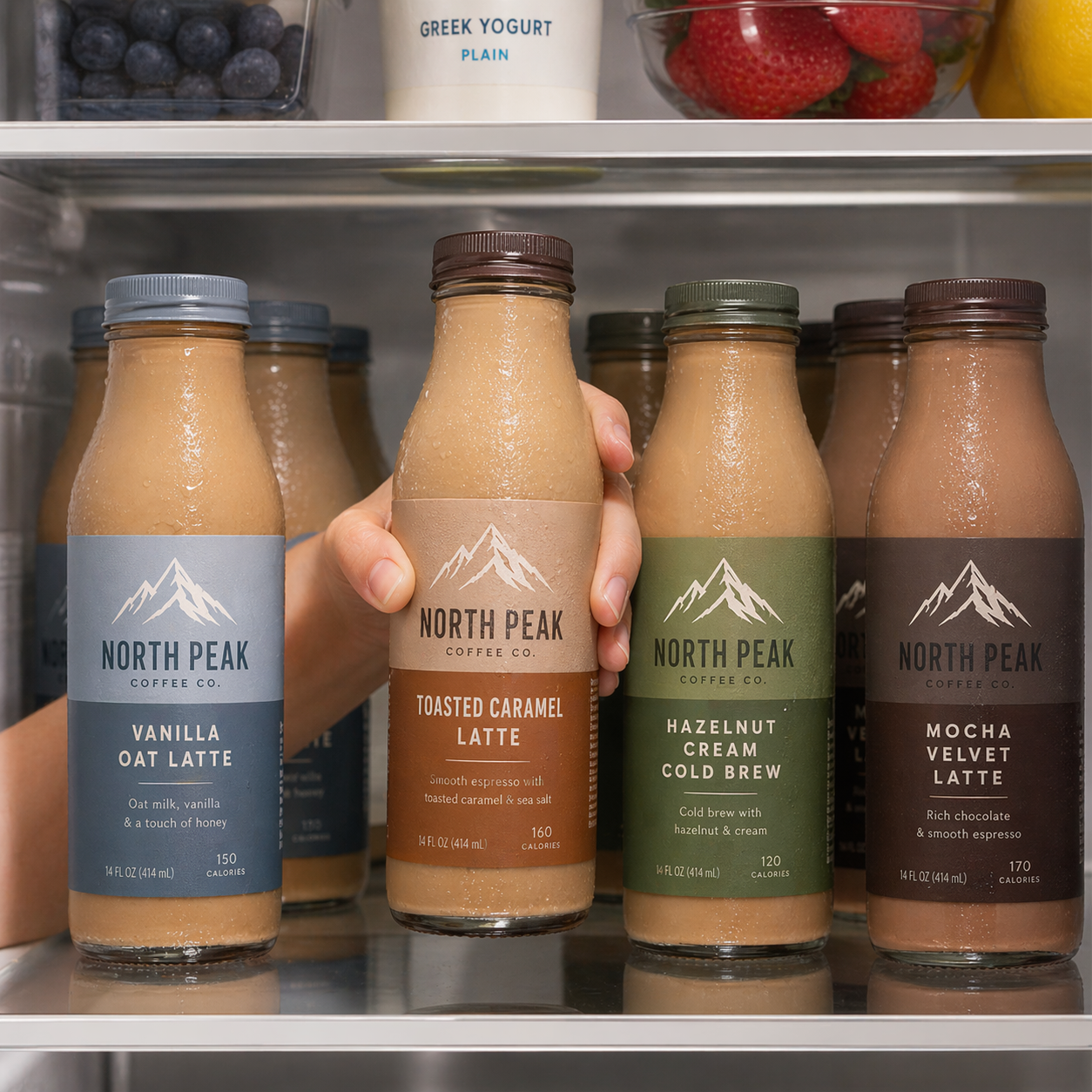
Real ARTIFLOW output — select another to inspect.
See it live

Each image runs through automated checks — you review it before publishing.
Adapts to your marketplace and output language.
We don't train models on your uploads.
Unused credits may be refundable — see our refund policy.
Move from loose product inputs to structured marketplace outputs with one focused workflow for image generation, localization, and launch metadata.
How it works
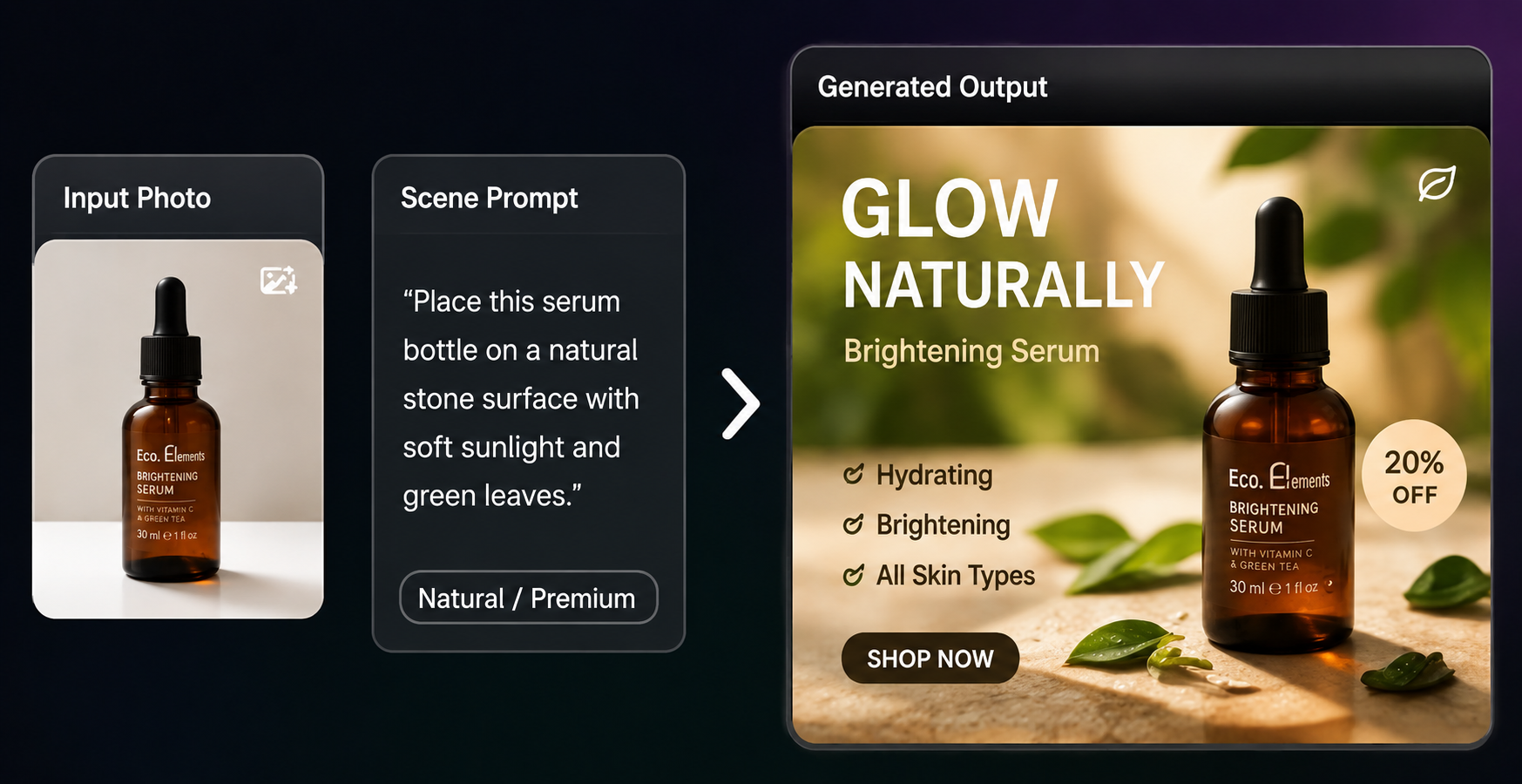
Build marketplace-ready images by giving ARTIFLOW the product, scene, promo copy, style direction, and export target.
Add one or more product shots so the generator can preserve shape, color, branding, and key details.
Describe where the product appears, what is happening around it, and how the composition should feel.
Provide headlines, feature callouts, offers, and listing details for the ad image and localized copy.
Choose the creative direction, output format, and locale targets before generation.
Review the generated images and listing content, then save the final assets to the project.
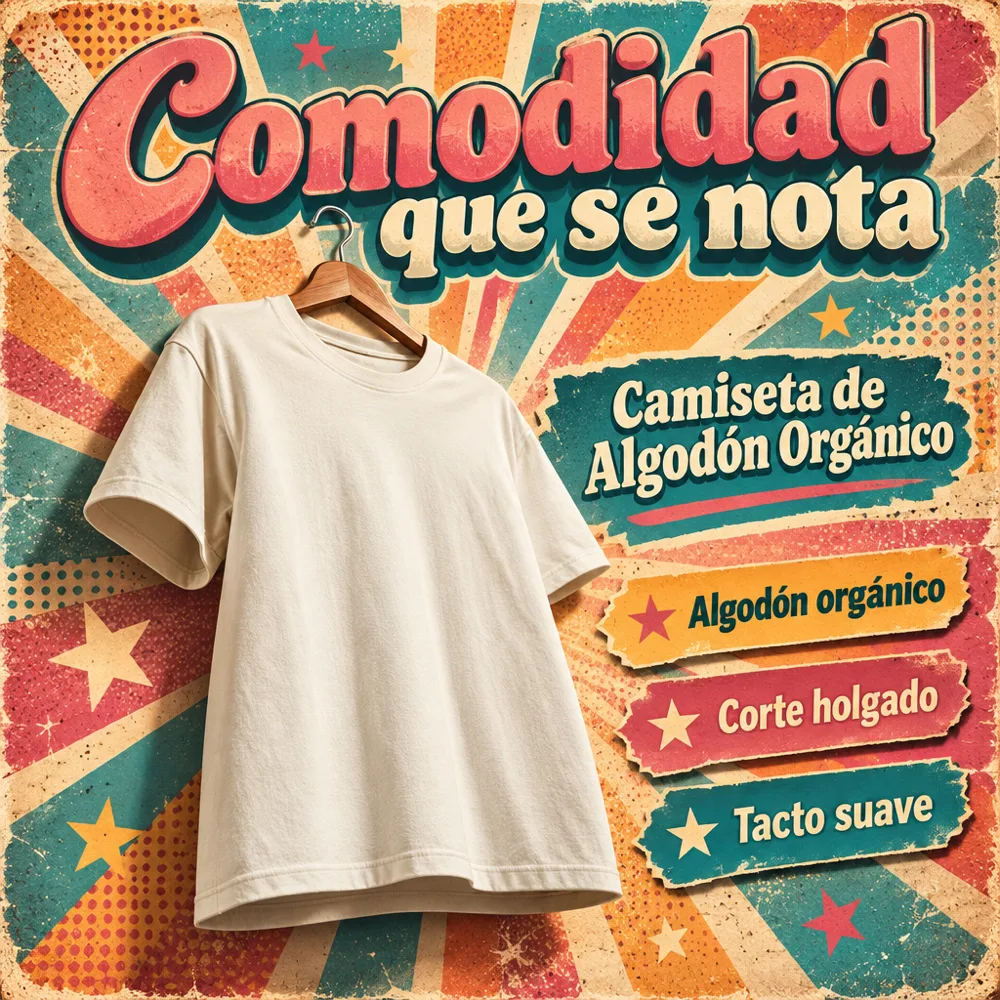
Localized output
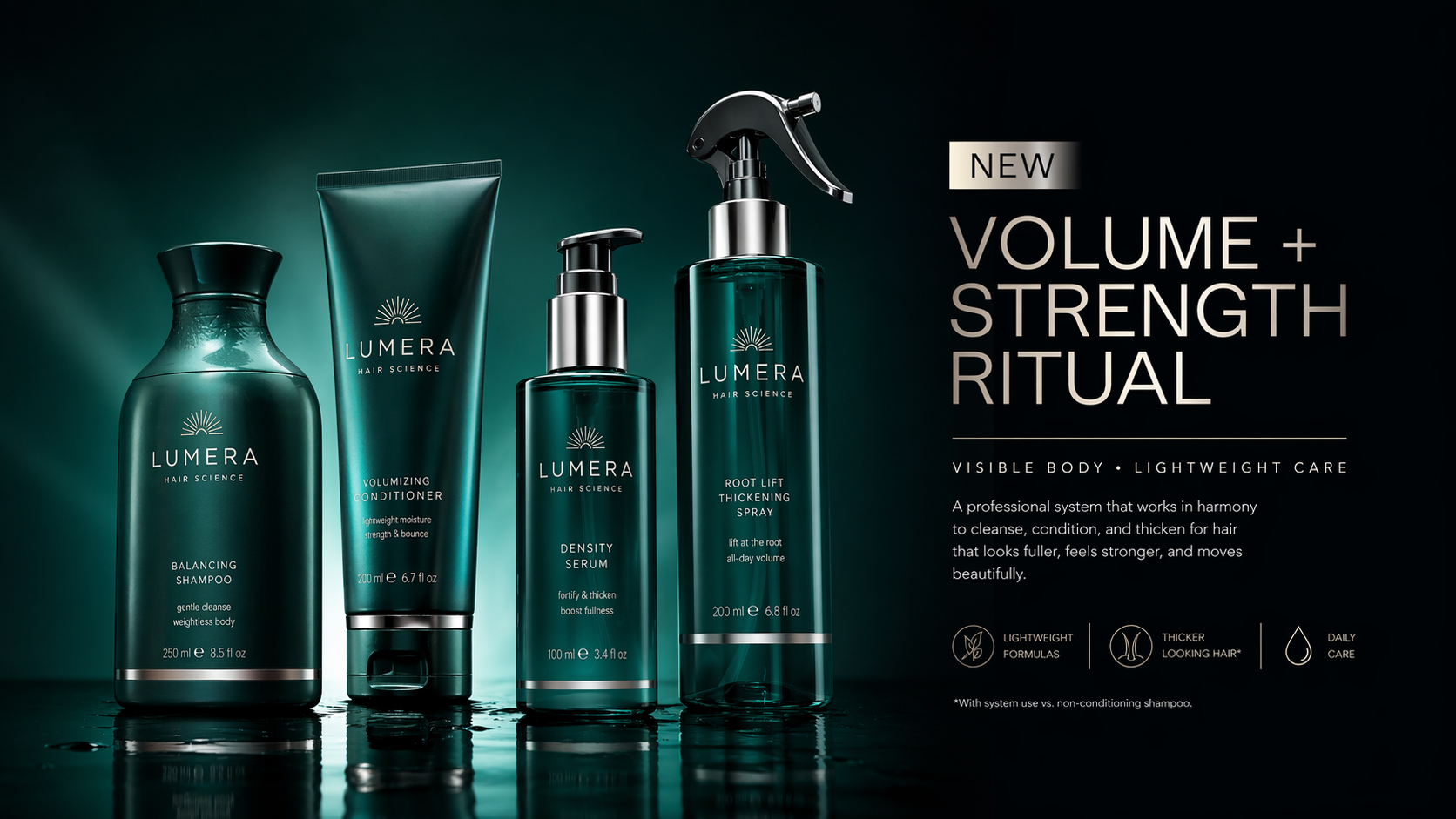
Inspect the image and check the copy. This example renders Spanish ad text directly in the visual — automatic image-text localization is available on Growth and Studio. Every image runs automated checks; always review it before publishing.
Simple pricing
For regular product updates.
For localized campaigns.
For a larger monthly workload.
Free Try: 1 hero image, no card.
Compare all plansFAQ
ARTIFLOW allows you to generate as many images as your plan's compute time permits. Each generation uses a portion of your allocated time, so you can create multiple variations until you get the perfect result. If you need more, you can upgrade to a higher plan.
You can create a wide range of images, from concept art and cinematic frames to product mockups, character designs, and photorealistic scenes. Whether you need high-quality illustrations, backgrounds, or stylized artwork, ARTIFLOW adapts to your written prompt.
No expertise needed — describe your product or scene in plain language and ARTIFLOW handles the creative work. No AI background, prompt-engineering courses, or technical setup required.
Yes! ARTIFLOW allows you to use your AI-generated images as a starting point for further customization, including using them as reference images for new generations.
ARTIFLOW provides different subscription tiers, including a one-time free plan with a set amount of compute time for image generation. Higher-tier plans offer more compute time and advanced features. You can check our pricing page to see which plan best suits your creative needs.
Yes! You can use AI-generated images in your personal and commercial projects, as long as they comply with ARTIFLOW's licensing terms. Our platform is designed for creators, marketers, and businesses who want to produce unique visuals without traditional design constraints.
ARTIFLOW combines a state-of-the-art AI model with a specific prompt framework built for marketplace visuals. Describe your product or scene, choose a style, and the engine delivers professional-quality images optimized for listings, storefronts, and campaigns — no manual editing required.
ARTIFLOW is an online image generation tool that runs directly in your browser. Open it and start creating immediately—no software installation or technical setup required.
ARTIFLOW ranks among the best e-commerce AI image generators by offering seamless integration with marketplace-ready outputs, campaign assets, and storefront visuals. Combined with flexible style options, high-quality outputs, and platform-optimized results, it's built specifically for sellers and marketers who need more than just static images.
Each image runs through automated checks (content moderation, text, and composition). There is no human review, so review every image and any text yourself before publishing.
ARTIFLOW adapts images and copy to your chosen marketplace and output language, including localized variants.
Your product photos and details guide the generation, but generated details can differ. Check labels, colors, proportions, and any claims before publishing.
Paid plans save your projects and generation history. The free image is session-only — download it before you leave.
Images you generate are yours to use in your listings and marketing, subject to our terms.
Sign up to create your first product visual, then review every output before publishing it to any marketplace or ad channel.
Start creating